
Most photographers think carefully about protecting a lens.
1. The Problem: Your Camera Screen Takes More Abuse Than You Think
Think about a typical day of shooting.
Over weeks and months, that exposure adds up.
2. Why Camera Displays Get Damaged So Easily
Understanding the causes helps you decide how much protection you need.
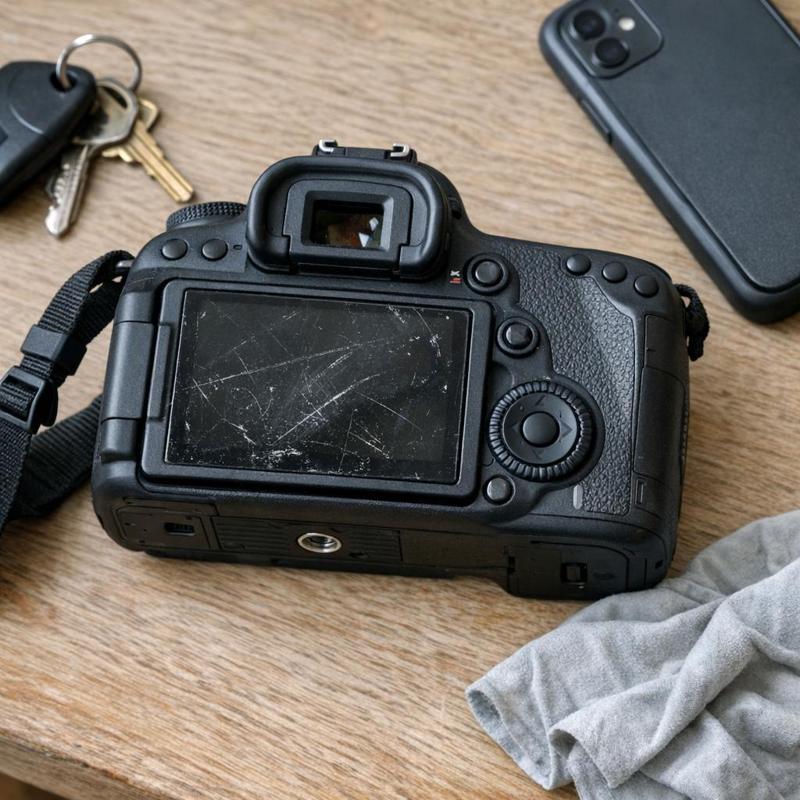
- Loose grit in bags and pockets. Sand, dust, and tiny metal particles act like sandpaper when they get between the screen and another surface.
- Contact with other gear. Keys, tripod plates, lens caps, and cables can all rub against an exposed display during transport.
- Frequent handling. Touchscreen use means repeated finger contact, which transfers oils and slowly wears at the surface.
- Harsh environments. Beach shoots, desert trips, and dusty events introduce abrasive particles that settle on the display.
- Improper cleaning. Wiping a dry, dirty screen with a rough cloth can cause the very scratches you are trying to avoid.
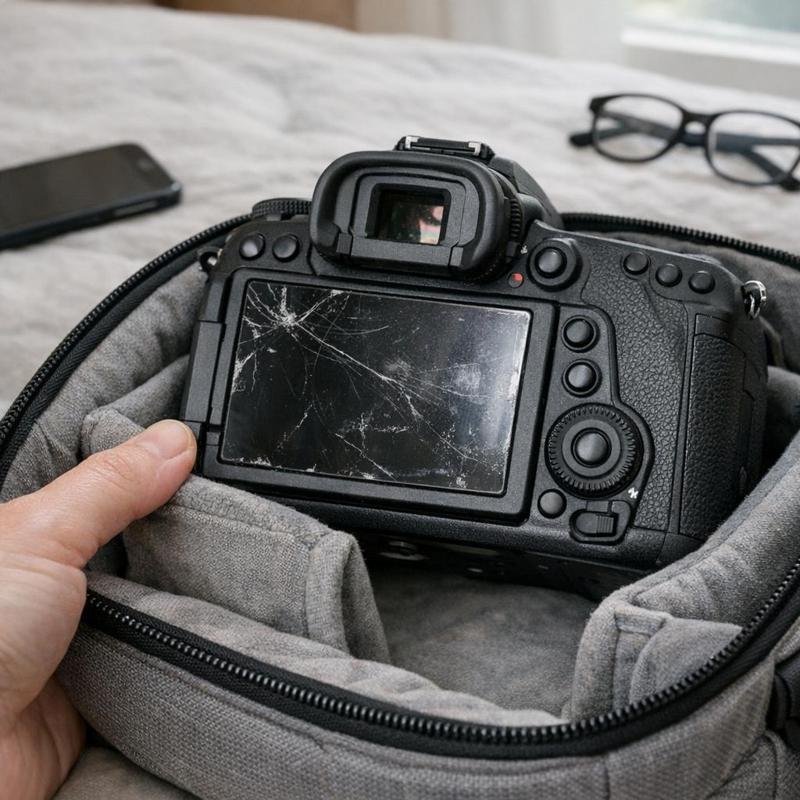
Many modern cameras use articulating screens, which add another risk.
3. How a Screen Protector Guards Against Scratches and Wear
A screen protector acts as a sacrificial layer.
This matters beyond the immediate repair cost.
Protectors also help with dust. Because they sit flat against the surface, dust has fewer places to settle in edges and seams, and cleaning becomes a simple wipe rather than careful scrubbing near sensitive components. If you want a dedicated layer of defence, the camera screen protectors collection is a good place to compare options made for compatible camera displays.
4. Fingerprints, Glare and Visibility in the Field
Visibility is one of the biggest practical concerns for photographers.
A well-chosen protector can help in two ways:
- Smudge resistance. Many protectors are designed to resist fingerprints, so oils are less noticeable and easier to wipe away.
- Glare control. Some finishes reduce reflections, which can make it easier to read histograms, menus, and focus peaking in direct sunlight.
It is worth being realistic here.
5. Keeping Touch Sensitivity Intact
The most common worry about adding a layer to a touchscreen is whether it will interfere with responsiveness.
- Choose a protector sized specifically for your camera model rather than trimming a generic sheet.
- Make sure the protector sits fully flat, since trapped air pockets can create dead spots.
- If you shoot with gloves, test touch response before an important session, as results can differ from bare fingers.
If you notice any change in responsiveness after installation, reapplying the protector more carefully often resolves it.
6. Choosing the Right Protector for Your Camera
Not every photographer needs the same thing.
Studio and portrait photographers usually deal with controlled conditions. Their main risk is fingerprints and accidental contact with accessories, so a clear, smudge-resistant protector is often enough.
Travel and landscape photographers face sand, moisture, and rough handling. They benefit most from a durable protector paired with a sturdy bag. A well-fitted option from camera bags and cases reduces friction during transport.
Event and street photographers handle the camera constantly and shoot quickly. For them, consistent touch response and quick wipe-clean visibility are the priorities.
Content creators who vlog often use flip-out screens as monitors. A protector helps keep that display clear and free of marks that would distract during framing.
Whatever your style, always confirm that the protector is made for your specific camera model, including the display size and any articulating mechanism.
7. Step-by-Step Application Tips
Applying a screen protector is not difficult, but small mistakes show up as bubbles or trapped dust.
Step 1: Choose a clean workspace. A bathroom after a hot shower can help settle airborne dust, though any quiet, clean room with good lighting works. Avoid fans and open windows.
Step 2: Clean the display thoroughly. Use a microfiber cloth and a screen-safe solution to remove oils and fingerprints. Any residue left behind will be sealed under the protector. The supplies in camera cleaning kits make this step easier.
Step 3: Remove lingering dust. Use the dust-removal sticker or tape that often comes with a protector, or a gentle air blower, to lift any remaining particles.
Step 4: Align before you stick. Peel the backing, hold the protector by its edges, and line it up with the display and any button cutouts. Lower it from one edge and let it settle gradually.
Step 5: Smooth out bubbles. Press gently from the center toward the edges using a soft card or your thumb through a cloth. Small bubbles often disappear on their own within a day or two.
Step 6: Handle mistakes calmly. If you see a speck of dust, lift the protector slowly with tape on a corner, remove the particle, and lay it down again.
Do not rush.
8. Building a Complete Protection Routine
A screen protector works best as one part of a broader habit of care.
- Cover the body. A fitted layer from camera protective covers helps shield the camera from dust, moisture, and scratches while you move between locations.
- Clean regularly. Wipe the protector with a dry microfiber cloth after each session so grit does not accumulate.
- Store sensibly. Keep the display facing away from sharp or hard items in your bag.
- Replace when worn. If the protector becomes heavily scratched or begins to lift at the edges, swap it for a fresh one rather than waiting.
Together, these habits keep your camera looking and performing consistently over many years of use. If you are building out your gear care essentials, you can explore the full range at FrameLab for practical accessories that suit different shooting styles.
9. Summary: Small Investment, Lasting Benefit
A camera screen protector is one of the simplest ways to look after your equipment.
- The rear display faces constant contact, grit, and oils, making it vulnerable even with careful handling.
- A protector acts as a replaceable barrier, keeping the original screen in good condition.
- Smudge-resistant and low-glare finishes can make image review clearer outdoors.
- Choose a protector made for your exact camera model to maintain touch accuracy.
- Clean the screen thoroughly, work in a dust-free space, and apply slowly for the best result.
Whether you shoot weddings, landscapes, street scenes, or video, a protected screen means fewer distractions and more confidence every time you check a frame.